The Honeywell Voyager XP 1470g is one of the most dependable handheld barcode scanners for shops, warehouses and service desks. It reads one-dimensional and two-dimensional codes quickly, withstands daily knocks and connects with almost any point-of-sale setup. This review explains who should buy it, how it performs and what to check before you order in 2026.
We focus on real working conditions: crowded counters, damaged labels and long shifts, rather than lab figures alone.
Honeywell Voyager XP 1470g at a Glance
The Voyager 1470g sits in Honeywell’s Voyager family of wireless area-imaging scanners. It uses an imager rather than a laser, so it reads codes without moving parts that wear out. It is designed for retail checkouts, pharmacies, small warehouses and back-office tasks.
| Feature | What to expect |
|---|---|
| Scan engine | 2D area imager |
| Codes read | 1D barcodes, QR, Data Matrix, PDF417 |
| Connection | Wireless Bluetooth with charging base, or USB cable |
| Typical use | Retail, pharmacy, light logistics |
| Drop resistance | Rated for repeated drops onto concrete |
| Screen scanning | Reads codes on phones and tablets |
Why choose an imager over a laser scanner?
Laser scanners struggle with scratched labels and phone screens. An imager captures the whole code as a picture and decodes it, so it handles poor print quality far better. It also reads loyalty codes, e-tickets and mobile coupons, which have become routine at checkouts.
Performance in Daily Use
In practice, the first thing staff notice is the speed. The scanner reads at a wide angle, so cashiers do not need to line up each label precisely. The aiming pattern is bright and clear under shop lighting.
Cordless operation matters more than people expect. Without a cable, large items such as appliances can be scanned where they sit, and counters stay uncluttered.
- Fast decoding of damaged or low-contrast labels.
- Comfortable, light body for shifts of eight hours or more.
- Clear beep and LED feedback, which reduces double scans.
- Easy configuration by scanning setup barcodes.
- Charging base that doubles as a stand for hands-free use.
Which Setup Is Right for Your Counter?
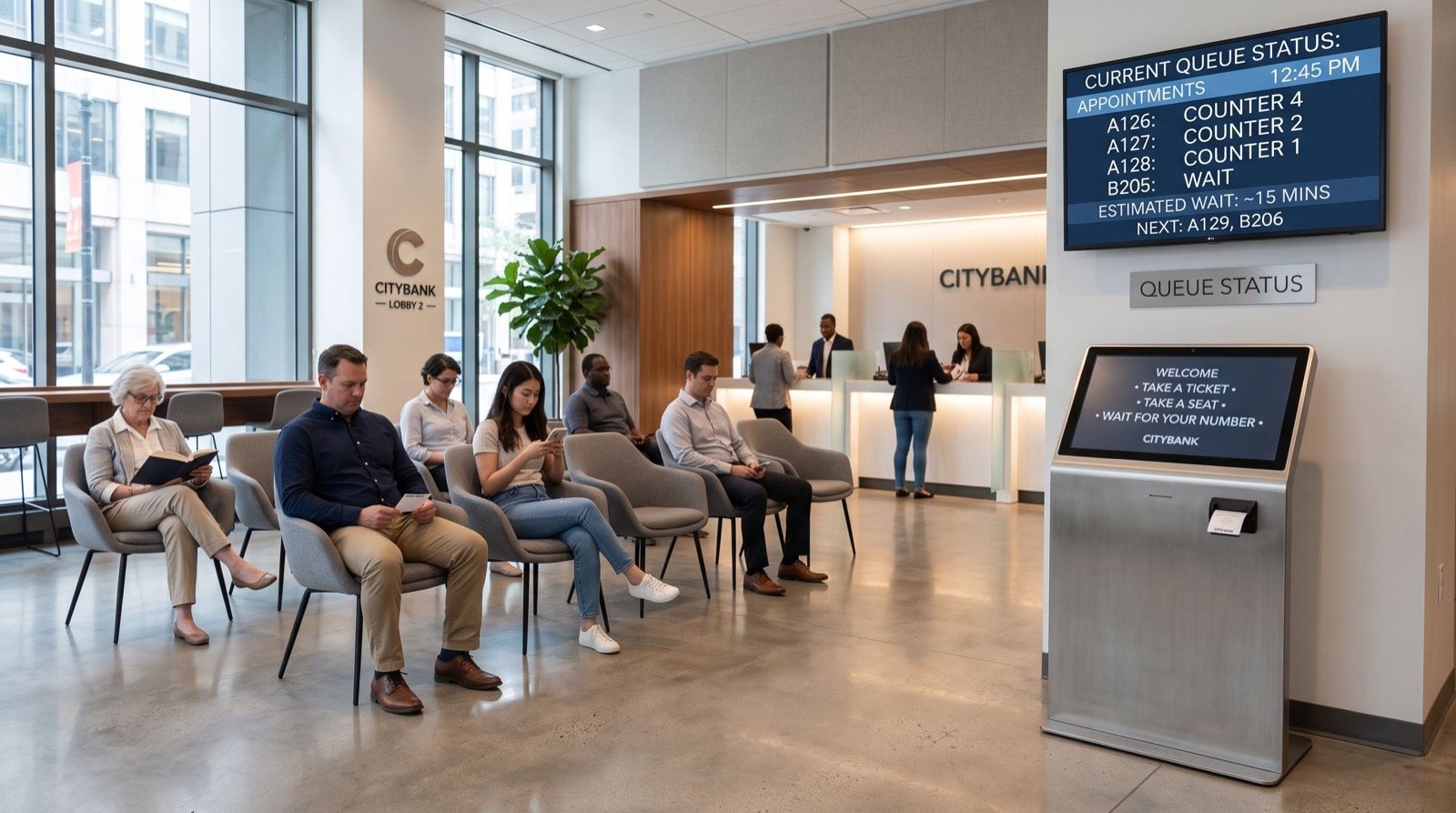
Buyers often wonder whether a handheld or a fixed scanner suits them better. Service counters that also run ticketing, such as a queue management system in lahore deployment, pair well with a handheld that reads printed tickets, booking codes and ID cards. Retail tills with small, uniform items may prefer a fixed unit.
Use this quick rule. Choose a handheld when items vary in size, when staff move around, or when you scan shelves and stock. Choose a fixed scanner when every item is small and passes the same spot.
How should you set it up?
- Charge the unit fully before first use.
- Pair the scanner with its base following the quick-start sheet.
- Scan the keyboard-layout barcode for your language.
- Test five of your own product labels, including one damaged label.
- Label the base with the scanner’s asset number for easy tracking.
Buying Tips and Common Mistakes
Buy from a seller who can offer warranty support and supply spare batteries or cables. It helps to work with reputable service experts who understand local voltage, import rules and after-sales service. Always confirm the exact model code and ask about warranty length before paying.
- Do not buy a refurbished unit without a written warranty.
- Check that the interface cable matches your POS ports.
- Keep the firmware updated through Honeywell’s tools.
- Clean the window weekly with a soft, slightly damp cloth.
An original tip from deployments we have seen: print a small card of your five most-used setup barcodes and tape it under the counter. New staff can then fix a wrong keyboard setting in seconds, with no call to support.
For official specifications, drivers and manuals, visit the Honeywell website; for background on barcode standards, see GS1.
Real-World Scenarios Where the Scanner Shines
A pharmacy scanning small blister packs, a clothing shop reading hang-tag labels and a parts store checking shelf bins all place different demands on a scanner. The 1470g handles each with the same settings, which makes staff training simple.
Retail checkout
Cashiers can scan loyalty codes from a phone, then reach across the counter for bulky items without cables snagging. Customers notice the faster flow, and queues shorten at peak hours.
Stockroom and receiving
When goods arrive, a staff member can scan cartons on the pallet, then link the records to the inventory system. Because the scanner reads at a distance, there is less bending and fewer missed labels.
Service desks and events
Reception desks use the scanner for visitor passes, bookings and tickets. It reads printed paper and screens alike, so one device covers both formats.
Care and Maintenance for Long Life
Even a rugged scanner lasts longer with basic care. Keep the base on a stable surface, away from direct sunlight and moisture. Replace worn cables rather than forcing connectors, and store a spare scanner for emergencies.
- Wipe the window and body at the end of each week.
- Avoid harsh solvents, which can cloud the glass.
- Charge the unit on its base overnight.
- Record the purchase date and warranty end date in a simple log.
Finally, think about total cost rather than the sticker price. A scanner that reads reliably saves seconds on every sale, and those seconds add up across thousands of transactions each month. Fewer rescans, fewer keying errors and fewer support calls all contribute to a lower cost of ownership over the life of the device, which is why a dependable model usually beats a cheap one.
Frequently Asked Questions
Can the Voyager 1470g scan QR codes from a phone screen?
Yes. Its imaging engine reads codes from phone and tablet displays, including mobile coupons and e-tickets.
Is it wireless?
The wireless version uses Bluetooth with a charging base. A corded model is also available for stations that do not need mobility.
How long does the battery last?
A full charge typically covers a full working day of retail scanning, though heavy warehouse use may need a mid-shift top-up on the base.
Does it work with any POS software?
It behaves like a keyboard over USB or Bluetooth, so it works with most POS, inventory and ERP software without special drivers.
Conclusion
The Honeywell Voyager XP 1470g offers dependable 2D reading, solid build quality and easy setup, making it a sensible choice for shops and offices in 2026. Test it with your own labels, confirm warranty terms and then roll it out across your counters.